Helping remote workers find the perfect workspace, all in one place
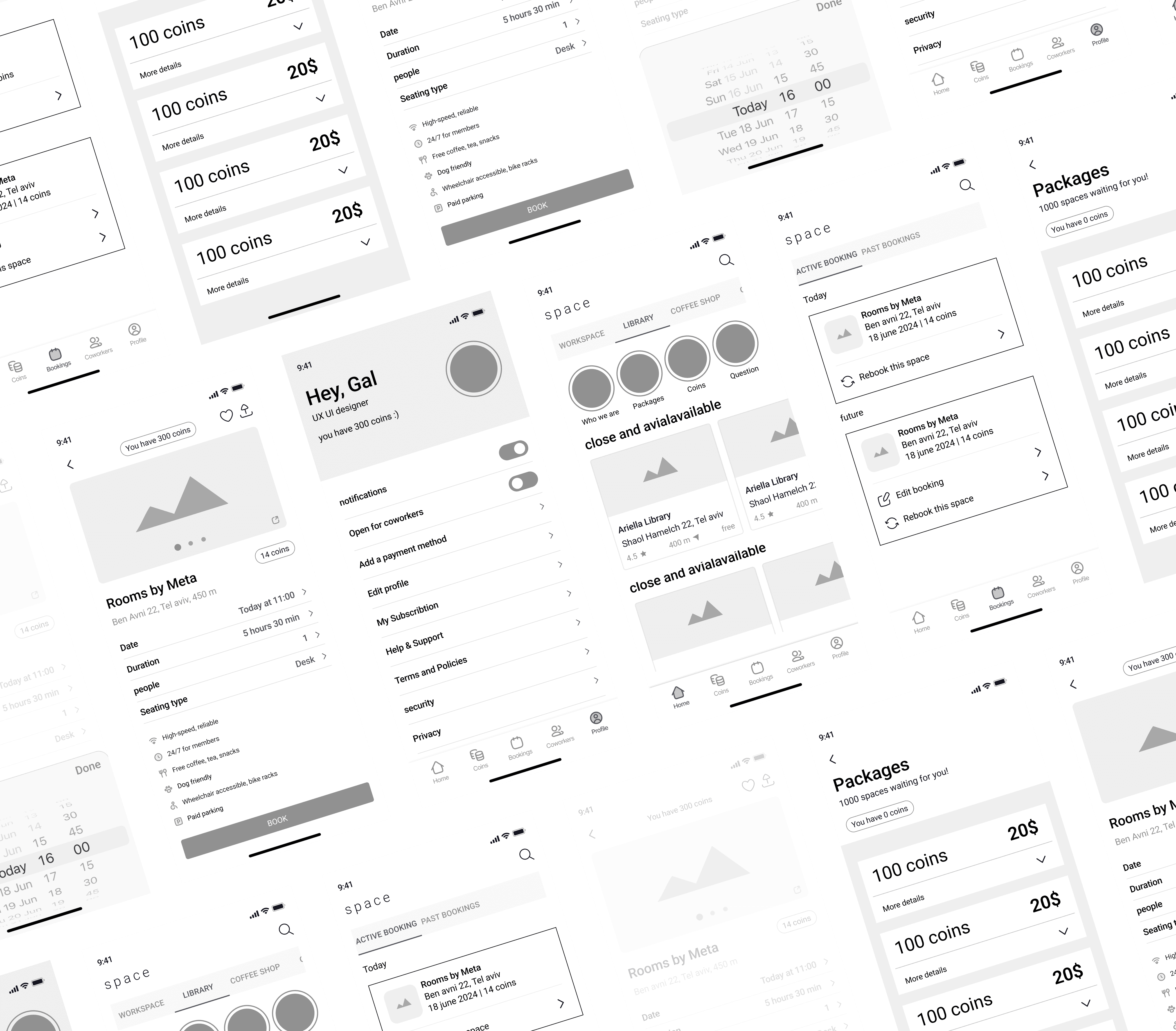
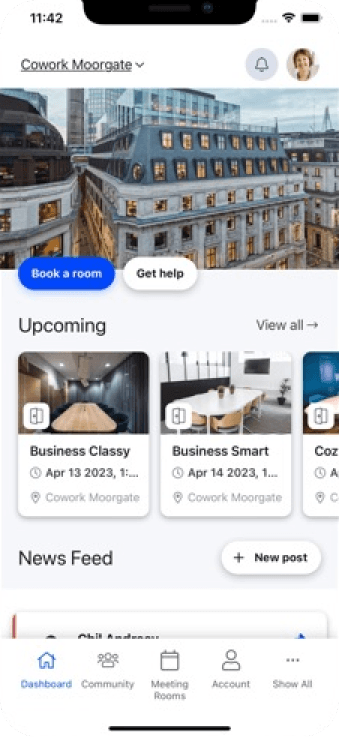
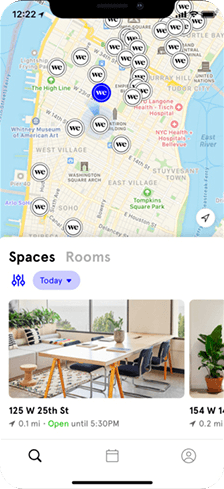

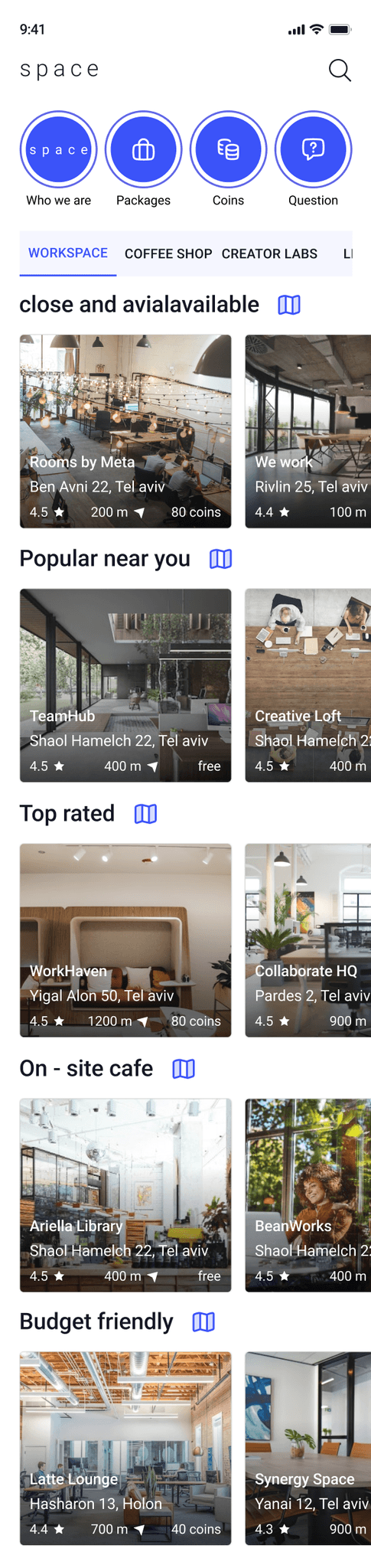
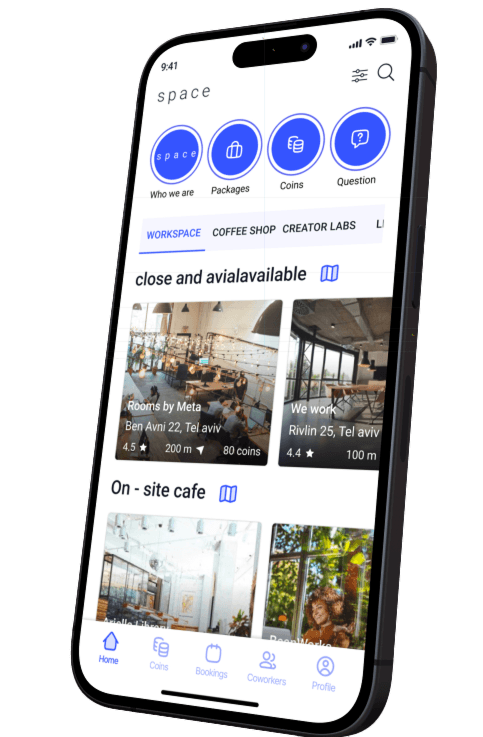
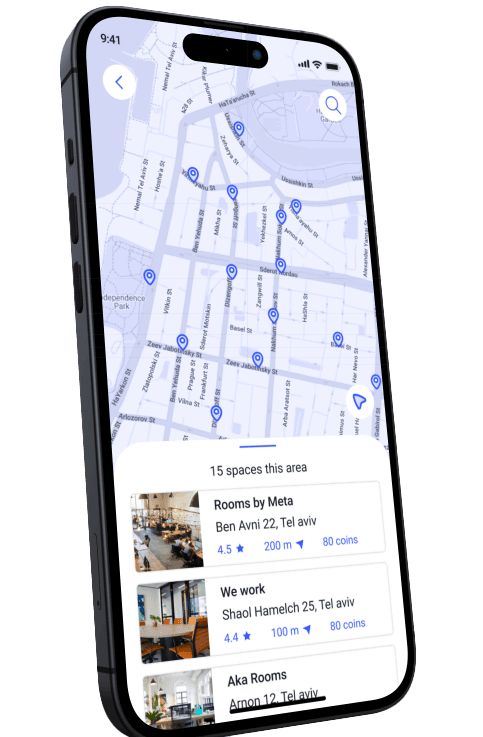
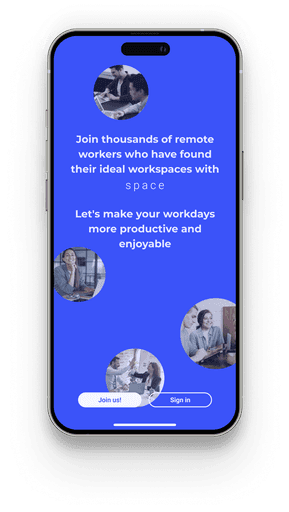
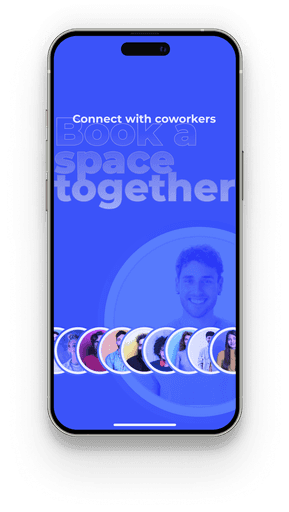
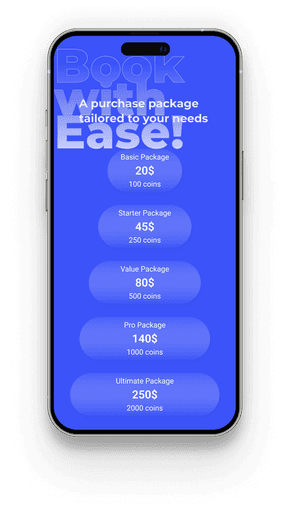
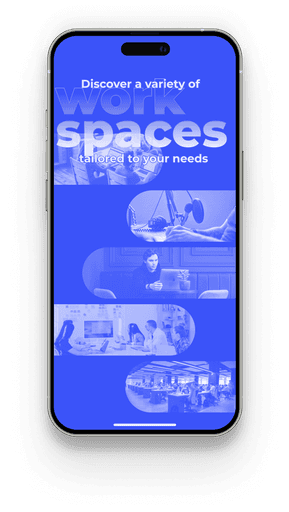
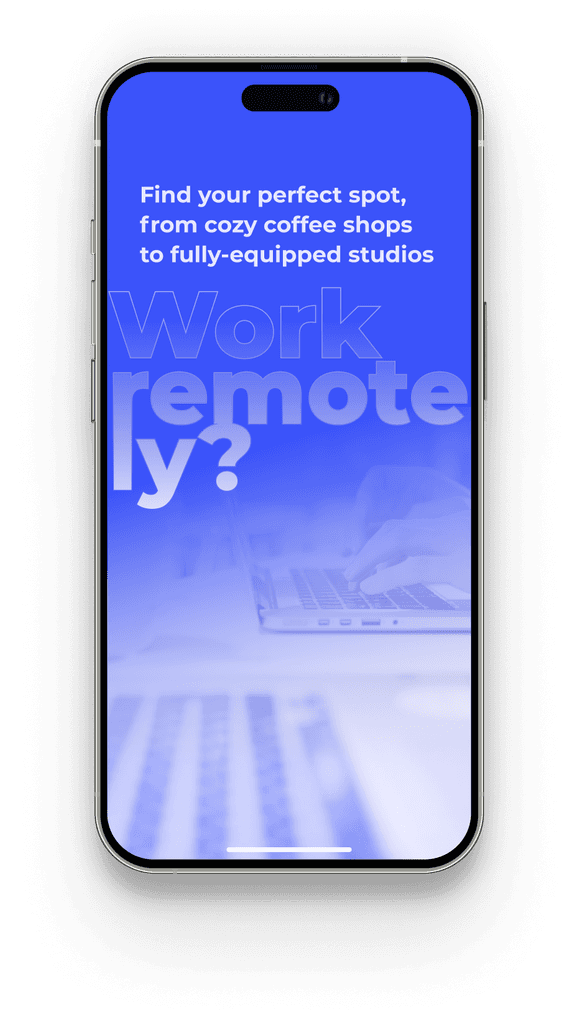
The onboarding process presents the app’s core features in a visually engaging story format. This design not only highlights the variety of workspaces, payment packages, and the remote work community but also uses the app’s primary blue color to create a visually appealing experience. The attractive, step-by-step presentation ensures users quickly grasp how to navigate the platform and fully utilize its features, making the introduction both intuitive and enjoyable
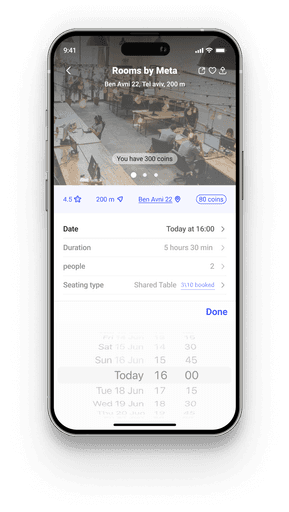
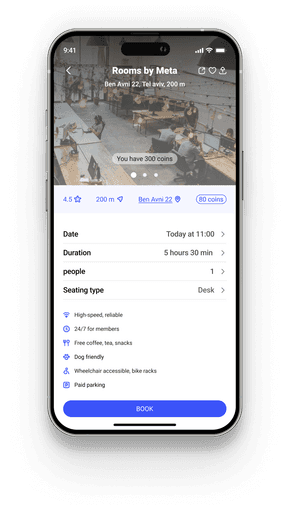
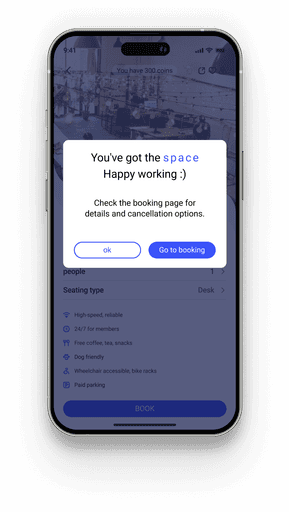
The registration screen provides a straightforward, user-friendly interface for booking a workspace. It displays the cost of the selected workspace in terms of the app’s currency, showing how it fits within the user’s current balance. Additionally, it presents all relevant conditions and terms associated with the workspace. The design focuses on clarity and ease of use, ensuring that users can quickly understand the cost and requirements before finalizing their booking, making the registration process smooth and informed
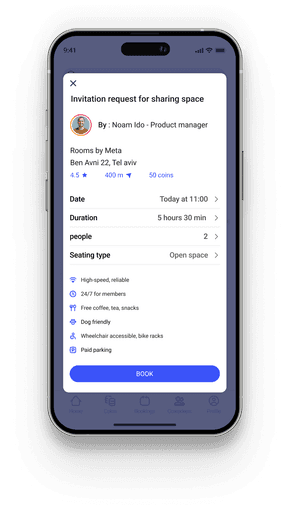
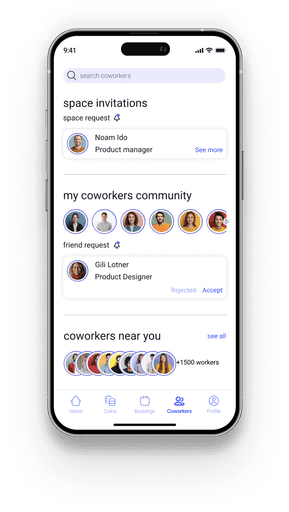
Recognizing the challenges of isolation and the importance of collaborative work for remote employees, the app has developed a social platform to address these needs. Many remote workers have expressed difficulties with loneliness and the need for connection, so the app now facilitates finding work buddies and participating in collaborative workspaces. This social feature not only helps users connect with others for a more engaging work experience but also provides general benefits, fostering a sense of community and shared productivity
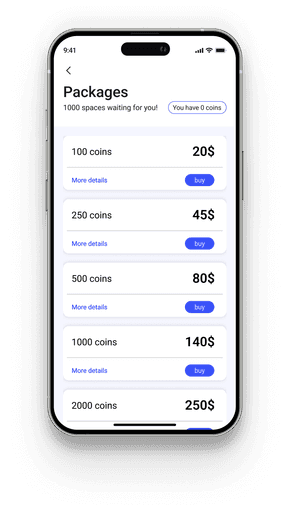
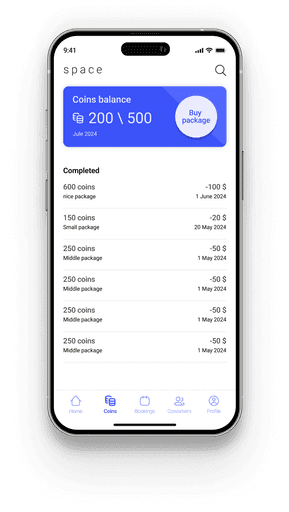
The Coins screen allows users to view and purchase pre-set coin packages, which streamline the payment process for bookings. By buying a set amount of coins, users can quickly and easily pay for workspaces, making the transaction process more efficient and convenient. The screen also provides a detailed history of all previously purchased packages, so users can easily track their coin balance and past transactions for a smoother overall experience.
The Profile screen provides users with a comprehensive overview of their personal information and account settings. It allows users to update their details, manage preferences, and view their profile picture. This screen serves as a central hub for users to customize their app experience and ensure their information is up-to-date.
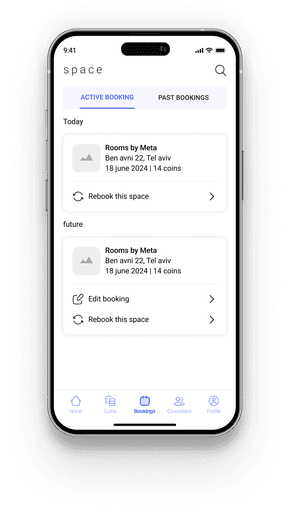
The Booking screen displays both upcoming and past bookings, offering users a clear view of their reservation history. It provides a convenient way to rebook the same workspace with just a few taps and allows users to edit their requests as needed. This functionality streamlines the booking process and helps users manage their reservations efficiently.
This project was designed with a focus on creating an intuitive, user-friendly platform that meets the specific needs of remote workers. My primary emphasis was on simplifying the process of finding and booking workspaces by unifying various locations in one place, while also addressing the social and collaborative needs of the remote work community. Special attention was given to creating a seamless user experience, from onboarding to payment, ensuring clarity and convenience at every step. Throughout the development process, I aimed to build a platform that not only enhances productivity but also fosters connection and flexibility for users.